

Power BI
Microsoft
Preview

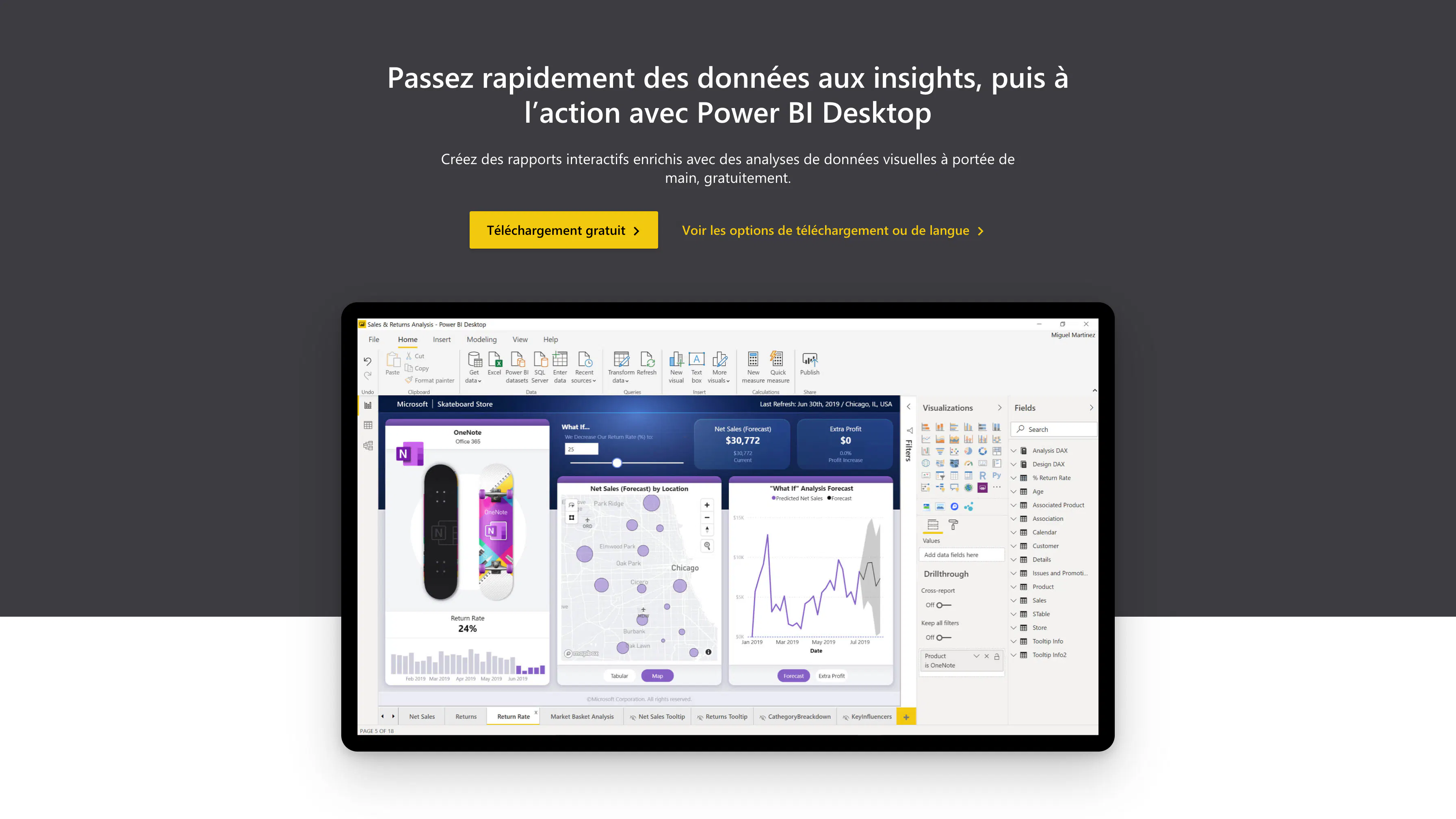
About Power BI
Power BI is business analysis software published by Microsoft.
Connecting Power BI to Monstock allows you to bring together all of your data in a single analysis tool. You will thus obtain complete reports on your insights in order to make the best decisions for your business.


Benefits of the Monstock connector with Power BI
Example of one of the many possibilities offered by the integration between Monstock and Power BI:
The connector between Monstock and Power BI enables businesses to fully leverage the wealth of their logistics and operational data. By connecting the Monstock physical flow management platform to the Power BI business intelligence tool, this integration transforms raw data into actionable strategic indicators in real time. It thus provides supply chain, logistics and senior management decision-makers with a clear, reliable and up-to-date view of their activities.
Thanks to this connector, all key information from Monstock, such as stock levels, customer orders and suppliers, is automatically synchronised in Power BI. Dynamic dashboards allow you to track performance, analyse trends and anticipate needs without manual manipulation or file exports. Automatic data updates ensure consistent operations and analyses, avoiding discrepancies or input errors that can compromise the quality of decisions.
Operationally, integration frees up valuable time for teams, who no longer have to manage data consolidation or formatting. Key performance indicators (KPIs) such as stock turnover, service rates, and order tracking are accessible at the click of a button. This gives managers enhanced data governance, enabling them to quickly detect anomalies and optimise logistics processes.
From a strategic perspective, this connector is fully in line with an approach of intelligent supply chain management, enabling rapid decision-making based on consolidated information. By integrating Monstock with Power BI, the company is taking another step towards an augmented supply chain, where operational data becomes a real lever for performance and agility.
Description of flows between Monstock and Power BI
The integration diagram between Monstock and Power BI illustrates an example of a unidirectional data flow from Monstock to Power BI. This flow allows you to centralise, visualise and analyse information from operational management carried out in Monstock.
Three main types of data are involved: stock levels, customer orders, and supplier orders.
In practical terms, Monstock regularly sends stock level data to Power BI, reflecting the availability of products at different logistics sites in real time. This information can be used to analyse stock coverage, discrepancies and item turnover, which are essential factors in anticipating supply needs.
Supplier orders are also sent to Power BI. They contain information on volumes, lead times and receipt statuses. This data is valuable for tracking supplier performance, assessing supply reliability and adjusting purchasing policies.
Finally, customer orders from Monstock are integrated into Power BI to enable accurate tracking of demand, deliveries and customer satisfaction rates. Cross-analysis of order flows and stock levels provides a comprehensive and consistent overview of the supply chain, from available stock to final customer satisfaction.
Exchanges are automated and continuous, ensuring that Power BI dashboards are regularly updated without manual intervention. Monstock thus becomes the source of operational truth, while Power BI exploits its analytical and decision-making capabilities. Together, these two tools enable complete control over supply chain performance, combining the reliability of field data with the power of analytical visualisation.
Details
Category
Synchronized data
Reporting data