

Google Sheets
Preview
About Google Sheets
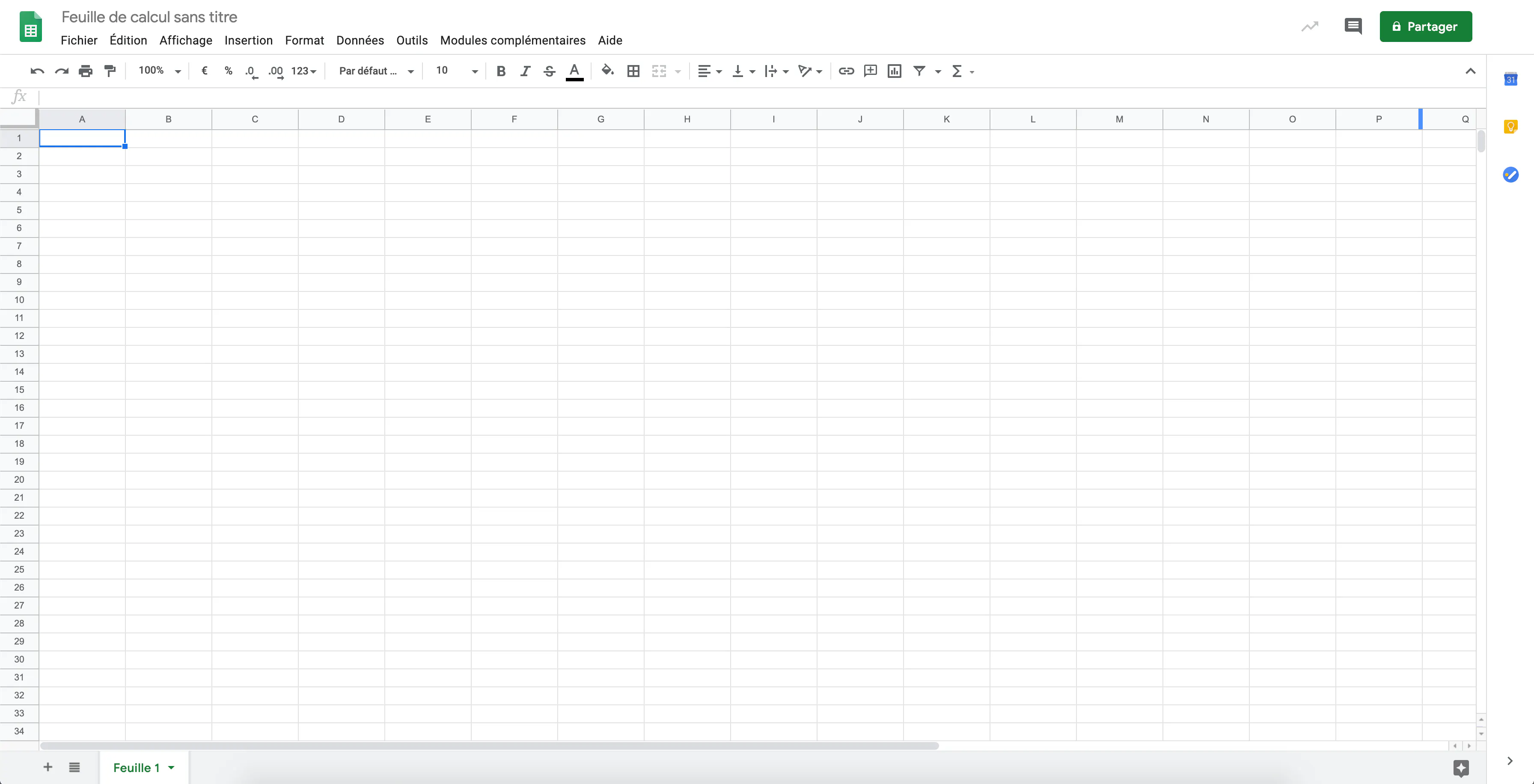
Google Sheets is the spreadsheet software for Google's office suite.
Connecting Google Sheets to Monstock allows you to export your data to a spreadsheet, but also to import or update them using a spreadsheet created in Google Sheets.


Benefits of the Monstock connector with Google Sheets
The connector between Monstock and Google Sheets offers a simple, powerful, and flexible solution for centralising, automating, and leveraging operational data. By linking the Monstock management platform to Google's collaborative tool, businesses can synchronise their product, supplier, equipment and stock activity information in real time, while enjoying the flexibility of a connected spreadsheet.
Thanks to this integration, users can view and manipulate data from Monstock directly from Google Sheets: product creations, supplier updates, and stock activities. Every change made in the spreadsheet can be automatically reflected in Monstock, ensuring perfect consistency between the two environments. This bidirectional functionality eliminates the need for double data entry and significantly reduces the risk of human error.
Teams can create, update or delete products, customers and equipment directly via a shared Google Sheets file. The integration facilitates collaboration between different departments (purchasing, operations, sales administration) by allowing everyone to work on synchronised, up-to-date data that is accessible in real time.
Operationally, this connector represents a significant time saving. Bulk updates (adding new products, adjusting stock levels or modifying supplier details) can be carried out instantly via a simple shared file, without the need for manual exports or imports. Strategically, it enhances data control and supports process digitalisation by connecting a universal office tool to a robust management system.
In summary, the Monstock–Google Sheets connector combines the powerful management capabilities of Monstock with the simplicity and flexibility of Google Sheets. It becomes a real driver of efficiency, promoting collaboration, data reliability and agility in the day-to-day management of the supply chain.
Description of flows between Monstock and Google Sheets
The integration scheme between Monstock and Google Sheets features full two-way communication, ensuring automatic and continuous synchronisation of information between the two systems. These flows guarantee consistent updating of data related to products, suppliers, equipment and stock activities.
Flow from Monstock to Google Sheets
From Monstock, several types of data are automatically sent to Google Sheets:
- Creation of products, customers, and equipment: each time something is added to Monstock, a new row is created in Google Sheets, allowing for clear and instant tracking.
- Stock activities: stock movements (inflows, outflows, adjustments) are transferred, ensuring real-time visibility of operations.
- Updated products and suppliers: changes made in Monstock are automatically reflected in the spreadsheet.
- Deleting products, customers, or equipment: items deleted in Monstock are removed from Google Sheets to maintain data consistency.
These feeds enable Google Sheets to be used as a reporting or monitoring tool, while ensuring the reliability of information sourced directly from the source system.
Google Sheets feed to Monstock
Conversely, changes made in Google Sheets can be automatically integrated into Monstock:
- Creation of products, customers, and equipment: lines added to the spreadsheet trigger the creation of corresponding items in Monstock.
- Product and supplier updates: any changes to values in Google Sheets (prices, references, stock levels) are transferred to Monstock.
- Deleting items: Deletions in the spreadsheet result in the deletion of the associated data in Monstock.
- Stock activities: adjustments entered in Sheets are integrated into Monstock to ensure accurate tracking of movements.
Synchronisation and automation
Data flows between Monstock and Google Sheets are automated, continuous, and customisable. Updates can be configured to run in real time or according to a scheduled frequency. This integration ensures immediate data harmonisation between field and administrative teams, without the need for manual re-entry.
Thanks to this interconnection, Google Sheets becomes a flexible interface for managing Monstock data, while maintaining the robustness and traceability of the system.
Together, they offer an agile, collaborative and connected solution tailored to the efficiency and responsiveness requirements of modern supply chains.
Details
Category
Synchronized data
Data import / export